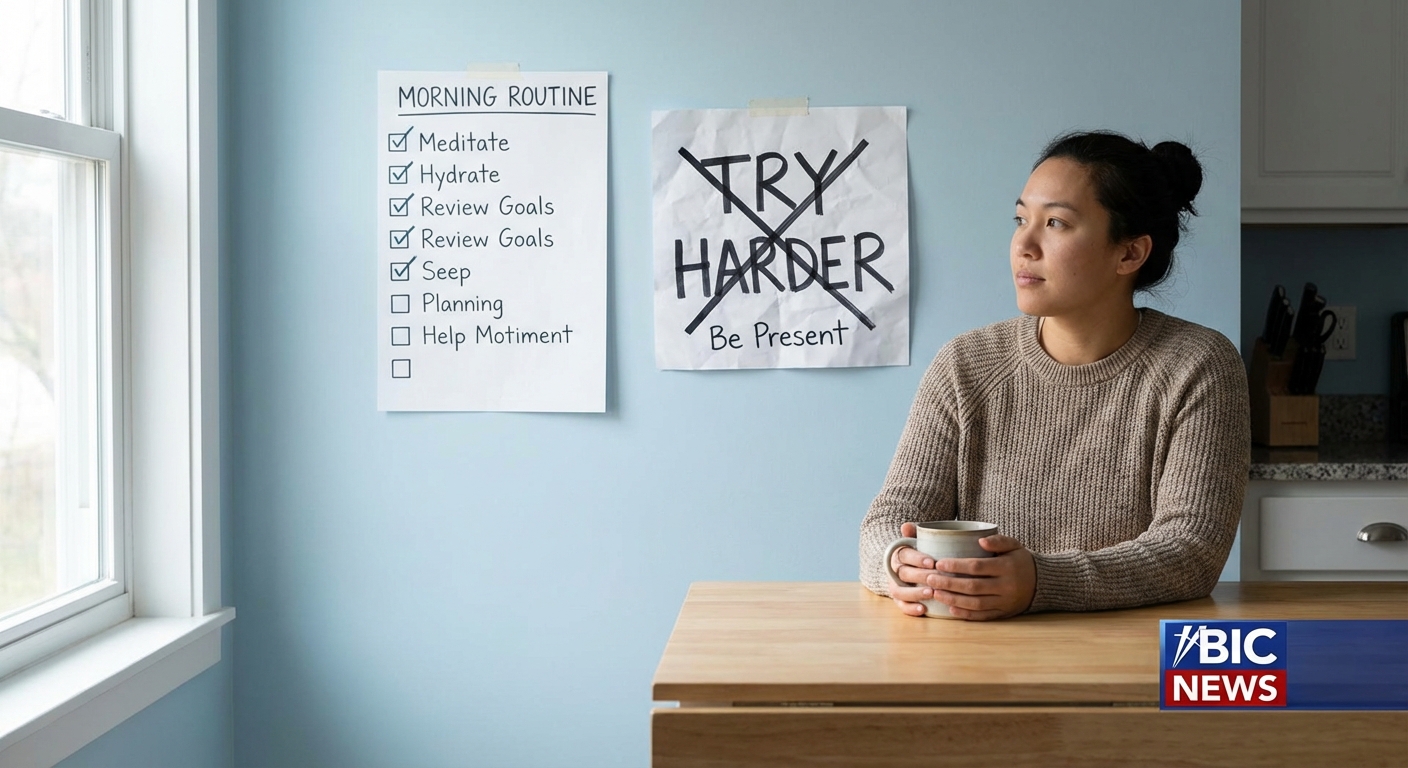
Your days already run on an operating system—just not one you designed. It consists of your default habits, tools, routines, and decision rules. If it’s messy, your life feels messy.
The Case for a Personal Operating System
A personal operating system (POS) is a deliberate structure for how you manage time, energy, information, and commitments. Not a productivity gimmick. A set of coherent systems that make your life more predictable and less chaotic.
Instead of asking, “How do I get more done?”, the better question is, “What set of systems would make the important things happen almost automatically?”
First Principles: What Makes an Operating System “Good”?
A useful POS should satisfy four criteria:
- Coherence – The parts don’t fight each other. Your calendar, task list, and priorities align.
- Stability – It keeps working even when you’re tired, busy, or stressed.
- Observability – You can see what’s going on: open loops, upcoming commitments, overdue tasks.
- Adaptability – It’s easy to adjust without rebuilding everything.
Think of this as designing the “runtime environment” for your life.
The Four Core Systems of a Personal Operating System
You don’t need a hundred hacks. You need a few robust systems:
- Attention System – How you decide what to focus on.
- Commitment System – How you capture, store, and track obligations.
- Execution System – How you actually get work done.
- Review System – How you learn, adjust, and prevent drift.
Let’s build each, step by step.
1. Attention System: Choosing What Deserves Your Day
Attention is your scarcest resource. You need a system that answers: “What should I be doing right now?”
Framework: Three-Level Priority Stack
- Level 1: Directional Priorities (years)
3–5 areas that matter most: health, key relationships, core career bet, financial stability.
- Level 2: Project Priorities (months)
Concrete projects under each area. Example for “career”: ship new product, improve sales funnel, learn a key skill.
- Level 3: Daily Priorities (today)
The 1–3 tasks today that meaningfully move one of those projects forward.
System Rule:
Every evening, define tomorrow’s Top 3 tasks and map each one back to a project and area. Nothing makes it onto your day that isn’t ultimately serving something big.
This connects your daily actions to your long-term direction without complicated planning.
2. Commitment System: Never Rely on Memory
Your brain is terrible at being a database. A serious adult does not run life-critical commitments out of short-term memory.
A lightweight, sufficient commitment system has:
- One inbox for tasks (e.g., a single app or notebook).
- One calendar for time-bound events (no multiple personal calendars).
- One place for reference info (notes, docs, etc.).
Basic Flow:
- Capture – As soon as a commitment appears (meeting, task, idea), it goes into the inbox or calendar. No exceptions.
- Contain – If it’s not in the system, it doesn’t exist.
Clarify – Once per day, empty the inbox:
- Do it (if <2 minutes). - Schedule it (calendar or task app with date). - Delegate it. - Delete it.
Real Example:
- Your kid’s school emails about an event. You:
- Add the event to your calendar.
- Add a task: “Buy supplies for school event” with a due date.
No flags. No mental notes. Just system.
3. Execution System: How Work Actually Gets Done
This is where people overcomplicate things. You don’t need color-coded everything. You need a repeatable pattern that works on a normal day.
Core Idea: Blocks and Modes
- Time Blocks – Predefined windows for certain types of work.
- Work Modes – Deep work, shallow work, admin, rest.
Example Daily Template:
- 8:00–10:00: Deep work (important, non-urgent tasks).
- 10:00–11:00: Communication (email, messages, calls).
- 11:00–13:00: Meetings.
- 14:00–15:30: Project work / shallow tasks.
- 15:30–16:00: Admin and planning.
The exact times don’t matter. The structure does. You’re not reacting all day; you’re running a schedule.
Execution Rules:
- Deep work blocks are sacred. No notifications, no meetings.
- Communication lives in designated windows.
- Tasks are pulled from your clarified list, not from your inbox.
This removes constant micro-decisions and context switching, which is where most people lose their effectiveness.
4. Review System: The Feedback Loop that Prevents Drift
Without review, systems decay. You accumulate half-finished projects, forgotten obligations, and unrealistic plans.
You need two reviews:
Daily Review (10–15 minutes)
- Check calendar for tomorrow.
- Look at tasks due tomorrow or overdue.
- Define tomorrow’s Top 3.
This keeps your short-term loop tight.
Weekly Review (45–60 minutes)
Once a week, sit down with your tools closed to the outside world and:
Scan Calendar and Tasks
- What did you actually do last week? - What slipped through?
Review Projects
For each active project, answer: “What is the next concrete step?” and schedule it.
Check Alignment
- Did last week’s time usage match your supposed priorities? - If not, adjust either your story or your schedule.
This is where you catch systemic issues—overcommitment, misaligned projects, unrealistic expectations—before they accumulate.
Making It Real: Minimum Viable Personal Operating System
You don’t need perfection. You need a minimum viable operating system you can actually live inside.
Here’s a simple version you can implement in a weekend:
Pick Your Tools
- Calendar: one app, both work and personal. - Task manager: any simple app or a single notebook. - Notes: one system (e.g., Notion, Obsidian, Apple Notes).
Define Your Daily Template
- Choose 1 deep work block. - Choose 1 communication block. - Choose a 15-minute planning slot.
Set Up Your Capture Habit
- Decide where tasks go. - Decide where notes go. - Commit: nothing stays in your head.
Schedule Your Weekly Review
- Pick a fixed time. - Add it as a recurring event.
Run this system for two weeks before changing anything. Observe where it breaks, then fix only that part.
Common Failure Modes (And How to Avoid Them)
Tool Obsession
Swapping apps is not system design. Decide once, then commit.
Over-Engineering
If your system requires perfect behavior, it will fail. Design for average days.
No Hard Edges
Without clear start/stop times and boundaries, work bleeds into everything.
No Review
A system without a review loop becomes a junk drawer.
You’re the Architect and the Operator
You are both the person who lives inside your days and the architect who designs the structure of those days.
Treat your time, attention, and obligations as things worthy of a stable operating system. Not as something you can manage improvisationally on top of endless notifications.
You don’t need a complicated life system. You need a small set of well-designed systems that you actually run. From there, the compound interest takes care of itself.