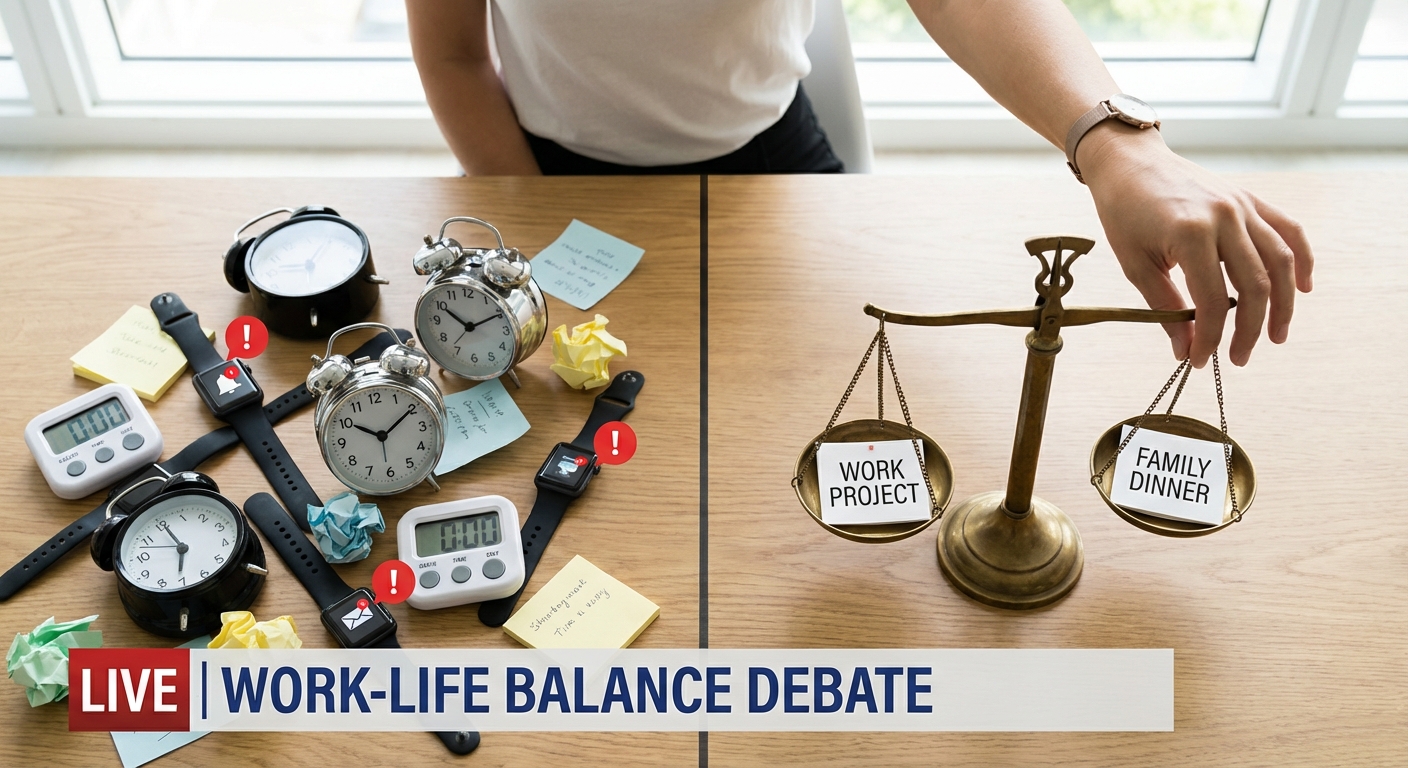
People cycle through productivity apps like diets. New planner, new promise. Two weeks later, back to the same patterns.
You Don’t Have a Tool Problem, You Have a Decision Problem
Time management failure is rarely about software. It’s about unclear priorities, fuzzy commitments, and an unwillingness to confront tradeoffs.
This guide is a practical, no-fluff process for using whatever tools you already have to actually use time well.
It’s opinionated, because the alternative is wasting years rearranging digital furniture.
First Principles: Three Jobs Any Time System Must Do
Ignore features for a moment. Any effective time system does three basic jobs:
- Capture – You don’t rely on memory to track obligations or ideas.
- Clarify – Each commitment is translated into a clear "what" and "when".
- Constrain – Your capacity is respected; you can’t "plan" 16 hours of work into a 10-hour day.
Most setups do an okay job at capture, a mediocre job at clarify, and almost nothing for constrain.
So you end up with:
- Bloated task lists
- Overcommitted days
- Constant re-prioritization under stress
Let’s fix that with a concrete framework.
Step 1: One Inbox for Commitments
Scattered inputs are why things slip.
Create one primary inbox for incoming commitments. It can be:
- A simple notes app
- A paper notebook
- The "Inbox" list in your task manager
Rules:
- Everything goes there first: requests, ideas, tasks, reminders
- You don’t store to-dos in random places (email, chat, sticky notes) for more than 24 hours
Multiple inboxes are acceptable only if you have a daily ritual to drain them into your main one.
Step 2: Clarify Tasks Into Actions and Outcomes
Unclear tasks create friction and avoidance.
Take each item in your inbox and rewrite it with two components:
- Action: What physically will you do? (verb + object)
- Outcome: What does "done" look like?
Bad: "Website"
Better: "Draft outline for new homepage copy [Deliverable: 3-section outline in doc]"
Bad: "Taxes"
Better: "Collect expense receipts for Q1 [Deliverable: receipts folder updated]"
If you can’t define a clear outcome, you haven’t thought enough to work on it yet. That’s fine—make the task: "Clarify scope of X with Y" instead.
Step 3: Separate Planning From Doing
Working from a giant, undifferentiated task list guarantees stress.
Create three distinct layers:
Master List – All clarified tasks and projects live here
Weekly Plan – What you commit to move forward this week
Daily Plan – What you will actually attempt today
The mistake is trying to plan the week while you’re in the middle of doing things. That’s like trying to draft architectural plans while pouring concrete.
Step 4: The Weekly Plan (Where Strategy Lives)
Once a week (20–40 minutes), do this:
- Review projects and obligations.
What’s due soon? What truly matters this month?
- Choose 3–5 Weekly Outcomes.
These are specific, meaningful progress markers, not vague intentions.
Examples:
- "Complete first draft of presentation for Friday meeting"
- "Have two 30-minute practice sessions for interview prep"
- "Go to the gym 3 times, minimum 30 minutes each"
- Estimate time required.
Assign a rough hour count to each outcome. Be conservative.
- Time-check your ambition.
Look at your actual available hours after fixed commitments. If your plan requires more hours than you have, cut now, not midweek.
- Pre-block deep work.
Place 60–120 minute blocks in your calendar for the most cognitively demanding work.
This is the constrain step: your week plan must fit inside your real capacity.
Step 5: The Daily Plan (Where Reality Meets Intent)
Each day, spend 5–10 minutes building a short, honest plan.
- Look at your calendar.
Subtract meeting and non-movable time from your waking hours.
- Calculate real work hours.
If you’re awake 16 hours and have 5 hours of meetings/commute/essential tasks, you have ~11 hours left—but not all are usable. Reserve at least 3–4 hours for life, breaks, and the unexpected. You might have 7–8 usable work hours.
- Pick 1–3 "must-move" tasks.
These are drawn from your Weekly Outcomes and placed in your best energy windows.
- Assign time estimates.
Every task >15 minutes gets a time budget.
- Stop when you hit capacity.
If your list adds up to 8 hours of effort and you only have 6 realistic work hours, something has to go.
A day that is slightly under-planned and completed is better than a fantasy schedule that crumbles by 11 a.m.
Step 6: Use Timeboxing as a Gentle Constraint, Not a Prison
Timeboxing means giving tasks fixed time containers. The point is not perfection; it’s creating friction against overrun.
Rules of thumb:
- Block deep work in 60–120 minute chunks
- Block admin tasks in 30–60 minute clusters
- Leave 15–30 minute buffers between big blocks
When a block ends, you have three options:
Stop and accept current progress
Extend the block deliberately by shrinking or deleting something else
Add a follow-up block later in the week
What you don’t do is let tasks casually expand without consequence.
Step 7: Decide How You Will Handle Interruptions Before They Happen
Interruptions are inevitable. Your reaction plan shouldn’t be improvised.
Define default responses:
- For internal interruptions (your own urges):
- Write down the thought or task in your inbox
- Return to the current block
- For external interruptions (other people’s requests):
- "I’m in the middle of something; can we talk in 30 minutes?"
- "Please send this in an email and I’ll look at it after 3 p.m."
- If it’s your boss: "I’m working on X and Y right now; which should I deprioritize to handle this?"
Having phrases ready lets you protect your focus without aggression.
Step 8: Daily Shutdown: Close Loops, Not Just Lids
Ending your day by simply walking away from your desk guarantees background anxiety.
Take 10–15 minutes to:
- Close the day.
Mark what actually got done. Move incomplete tasks back to the Master List.
- Capture new commitments.
Empty your email, chat, and notes into your main inbox.
- Rough-draft tomorrow.
Sketch 1–3 priorities for the next day.
This prevents your brain from spinning at night trying to remember what you’ve forgotten.
Step 9: Brutal But Fair Weekly Review
Once a week, look at your plan vs. reality with clear eyes.
Ask:
What did I actually complete from my Weekly Outcomes?
Where did my estimates go wrong?
Did tasks take 2x longer? Why?
What consistently gets pushed forward?
Maybe it’s not important—or maybe you’re avoiding something unclear or emotionally heavy.
What patterns of overcommitment do I see?
Use that information to adjust your next week’s capacity assumptions. That’s how your system gets smarter.
Common Objections, Answered Plainly
"My job is too reactive; I can’t plan."
You may not control all your time, but you almost certainly control some of it. Start with 1–2 hours/day that you defend.
"I don’t know how long things take."
You’ll learn by guessing and then comparing estimates to reality. You can’t skip this; it’s how judgment is built.
"I get bored planning."
Fine. Spend less time planning but be ruthless about constraints. A 15-minute weekly plan is enough if you stick to realistic capacity.
Use What You Have, Decide What You Mean
You can run this entire process with:
- A paper notebook and a calendar
- Any generic task app
- A plain text file and reminders
The sophistication of your tools matters far less than the clarity of your commitments and the honesty of your constraints.
Stop trying to find the perfect app. Use the one you already have to:
- Capture everything
- Clarify outcomes
- Constrain to reality
Time management becomes much simpler when you accept the hard truth: your system isn’t failing you because it’s missing features. It’s failing because it’s not forcing you to choose.
Start choosing.